Everything you need in one place.
Explore the evidence base, latest product updates, answers to common questions, and the story behind SureAdhere.

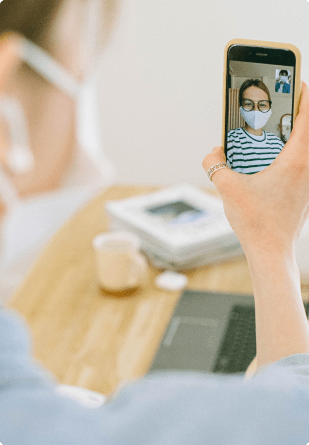
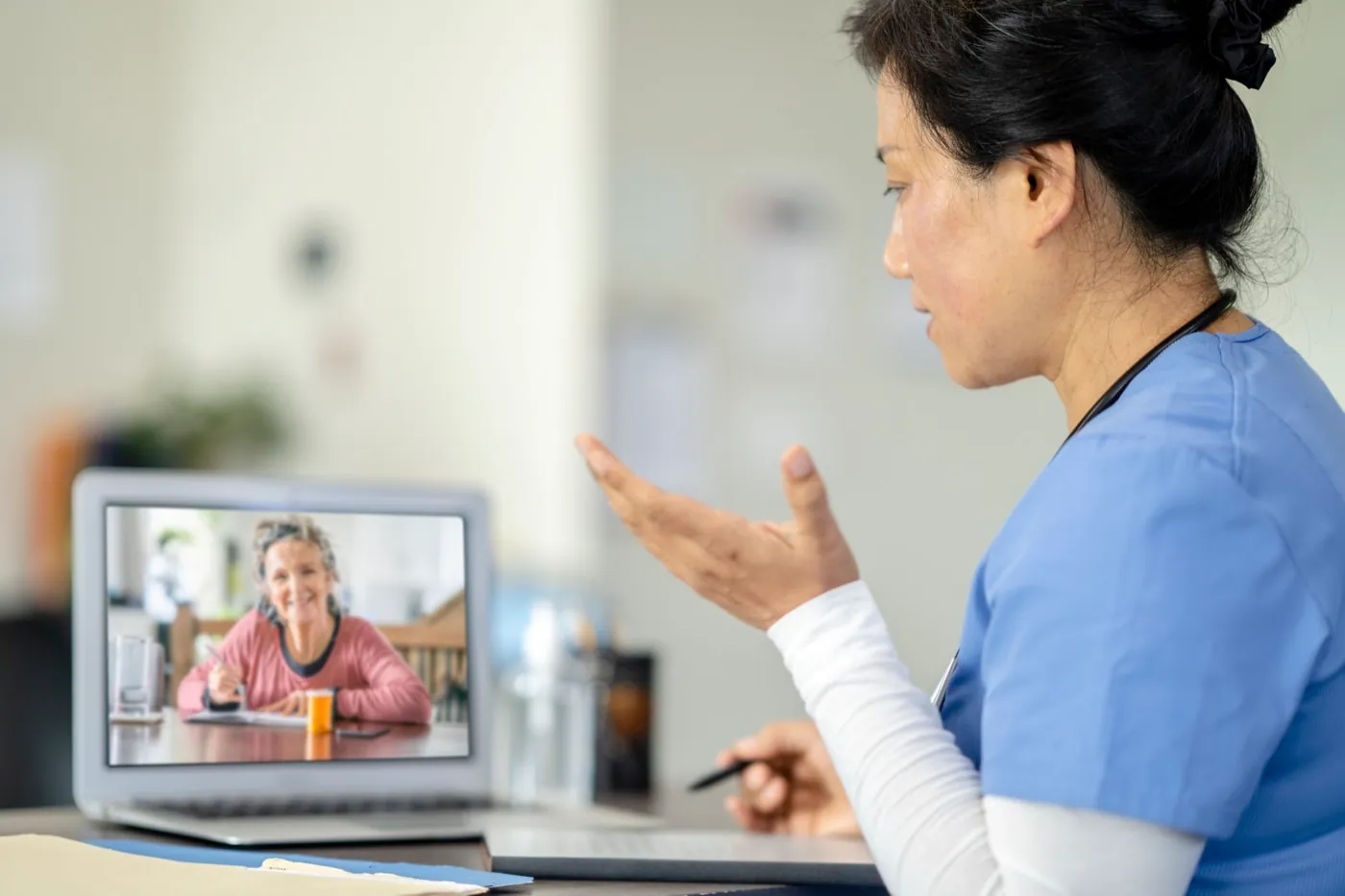
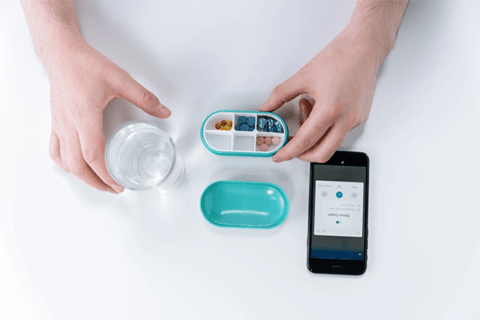
Built on peer-reviewed science.
SureAdhere's clinical foundation spans 27 published studies, two randomized controlled trials, and WHO and CDC guideline recognition: more rigorous evidence than any comparable platform.
Our publications library brings together peer-reviewed studies, RCTs, and clinical outcome data across TB, behavioral health, and clinical trials: a body of evidence that has directly shaped global treatment guidelines.
What's new in SureAdhere.
Recent platform releases, new features, and bug fixes.
- Patient Background Profiles now available for all clients; sections collapsed by default
- Fixed Missed Dose Counter to accurately count only actual missed doses
- Dose Audit Trail records all dose changes with staff identification and timestamps
- All-Time Adherence option added to dashboard filters alongside 7-day and 30-day views
- Automatic Inactive Patient Deactivation after one year of no activity
- Client & Site Management: admins can now create and manage clients/sites directly
- Adherence event records are now read-only to protect data accuracy
- Simplified patient settings with cleaner layout and on/off switches
- Overdue dose emails sent to all site-level treatment monitors
- Login now remembers last-used account
- Staff Alerts: automatic email notifications for doses 24 hours overdue
- Staff notification emails now include direct patient links
- Fixed virtual visits connectivity issues on restricted networks
Born in a lab.
Built for the real world.
In 2009, researchers at UC San Diego, working with tuberculosis programs in California and Baja California, Mexico, pioneered the first video directly observed therapy intervention.
Today, SureAdhere is a Dimagi platform in 18 countries, trusted by 350+ programs. The commitment to rigorous evidence and patient-centered care is the same.
Read the full story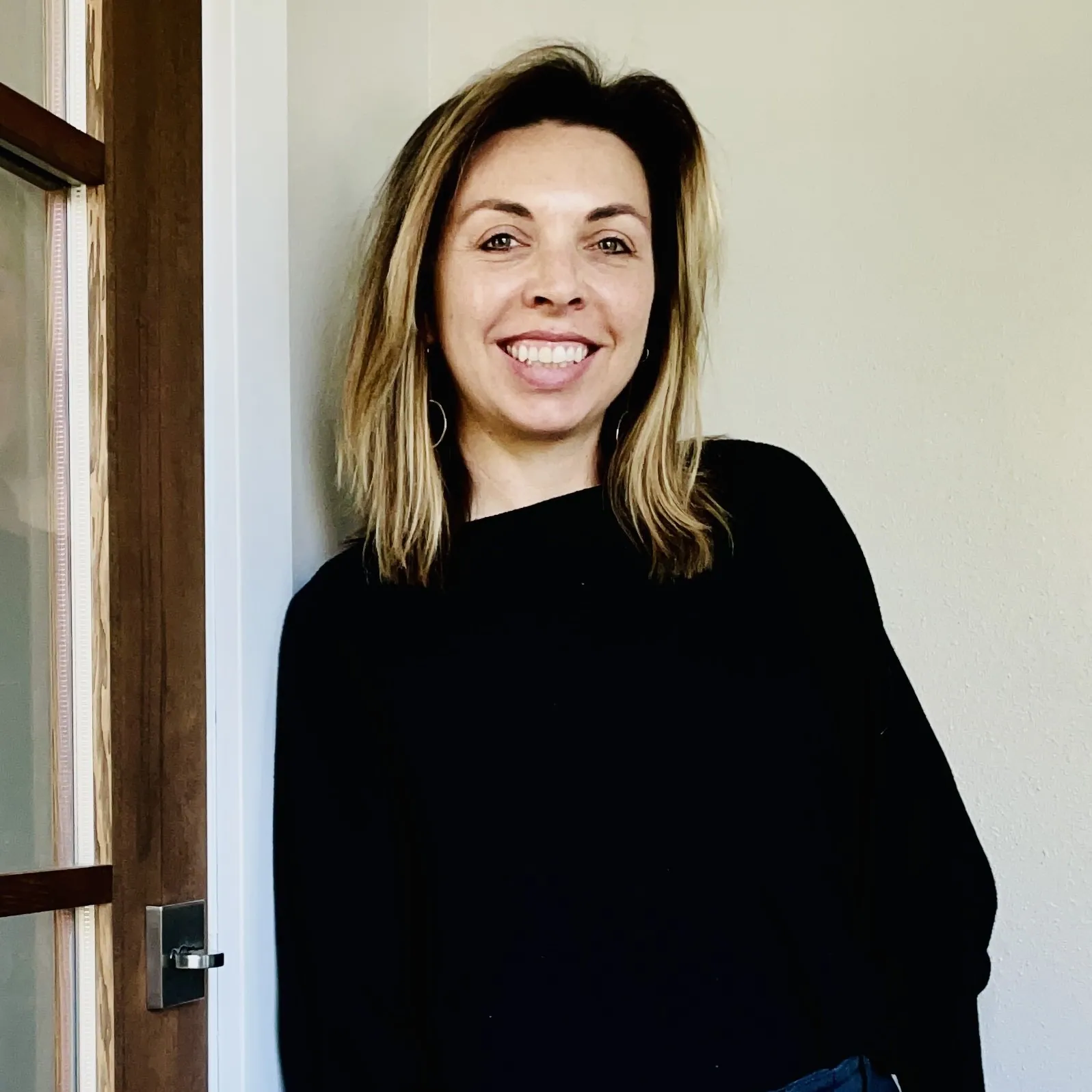
Dr. Kelly Collins
As a social entrepreneur and infectious disease epidemiologist, Kelly's career mission has been to support the implementation and scale of evidence-based, high-impact digital health interventions globally. Kelly is the former CEO and Co-Founder of SureAdhere Mobile Technology, which was acquired by Dimagi in February 2022.
Kelly's 12+ years of experience evaluating digital adherence interventions across 5 continents and 25 countries has resulted in 27 publications. She led SureAdhere through two randomized controlled trials evaluating video observed therapy for TB treatment adherence published in the Lancet and JAMA Open: studies which directly informed WHO treatment guidelines in 2017 and 2022.
Common questions answered.
Can't find what you need? Visit the full help site or contact our team.
What languages does the SureAdhere mobile app support?
SureAdhere supports 16 languages including Amharic, Filipino, Burmese, Portuguese, Chinese, Russian, French, Somali, German, Spanish, Haitian, Tagalog, Kyrgyz, Ukrainian, Marshallese, and Vietnamese. Additional languages can be added on request.
How do I get pricing information?
Pricing is tailored to your program's size and needs. Contact our team for a quote.
How do I create a staff account?
Only Client Administrators and Site Staff Administrators can create accounts. Click the green plus icon, select New Staff, fill in the required information, and click Save.
How do I reset my password?
Two options: (1) On the login page, click Forgot your password? and follow the prompts. (2) Within the app, click Reset Password in the upper right corner and provide your username and email for a verification code.
How do I change the Provider App language?
Click the person icon in the top right, select Choose Language, and pick your preference.
How do I create a new patient?
Click the green plus icon, select New Patient, enter the required information, and click Save.
How do I retrieve a patient's PIN?
Two methods: (1) Reset: go to the patient record > Profile tab > scroll down > click Send/Reset PIN. (2) Locate existing: go to the Notifications tab and find the most recent PIN in the list.
How do I deactivate or reactivate a patient?
To deactivate: go to Patients > Profile tab > uncheck Account is active under Account Setup > Save. Reactivation follows the same process in reverse. Note: no data is deleted when deactivating.
How do I stop an individual drug in a regimen?
Open the regimen edit tab (click the pencil icon), navigate to the drug schedule, click Stop Drug, select the stop date, and click the main Save button.
Can I edit the days per week a dose is scheduled?
No. You'll need to create a new drug schedule with the updated frequency instead.
What should I do if a patient has a gap in treatment?
It is best to start a new drug schedule to accurately reflect the treatment timeline.
Can I delete a drug or drug schedule?
Deletion is not allowed in order to prevent accidental loss of data. Instead, use the Stop Drug or Stop Drug Schedule button to end it.
Have a question we haven't answered?
Our team is happy to walk you through the platform, discuss your program's needs, or help troubleshoot.